Blending Modes. Subtractive Modes
Shadows for every occasion.
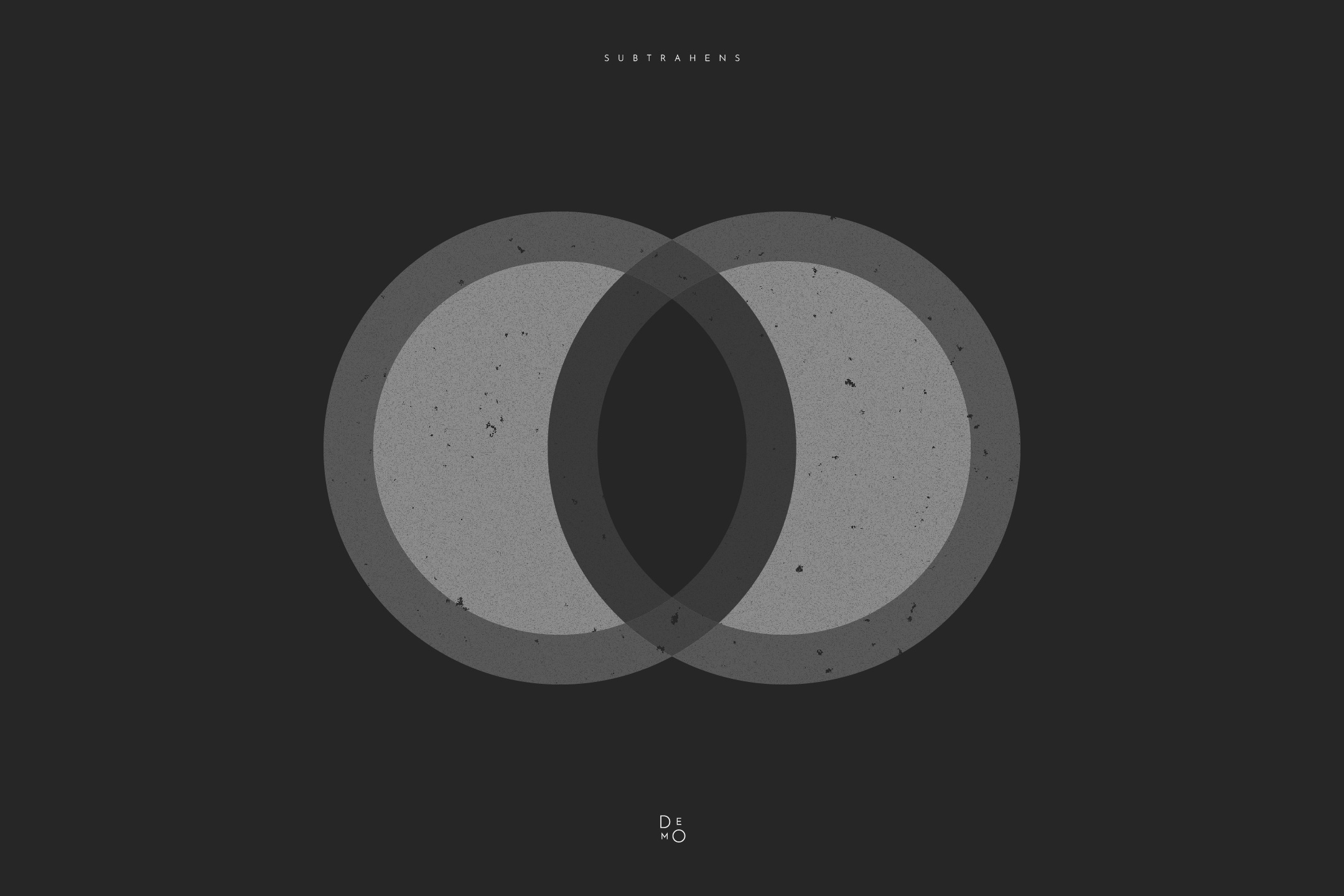

This group of modes—typically the first set below the “Normal” section—mimics the behavior of physical inks or lens filters. In the digital world, they are called “subtractive” because they literally subtract brightness from the final image.
The golden rule for this group is: white is neutral. Any white pixel on the top layer becomes completely transparent, while anything darker than white will darken the layer beneath it. This makes subtractive modes the perfect tool for overlaying textures with white backgrounds (like old paper or dust) without needing complex masks.
Multiply
The most popular and predictable mode. The software multiplies the brightness values of the top (A) and bottom (B) layers. The result is always darker than the original.
Effect: creating natural shadows, mimicking ink or markers, or placing pencil sketches onto a colored background.
Color Burn
Much harsher than Multiply. It darkens deep tones and significantly boosts the saturation of mid-tones. Colors end up looking “toasted” and intense.
Effect: creating aggressive, dramatic shadows, adding a scorched effect, or giving textures a gritty, vintage look.
Linear Burn
Acts straightforwardly by summing up the pixel values and subtracting one from the total. It produces a denser, darker image than Multiply but distorts colors far less than Color Burn.
Effect: deep, “heavy” darkening. Perfect for creating thick shadows where Multiply feels too faded.
Darken
Unlike the previous modes, this one doesn’t involve mathematical mixing. Instead, the software compares the pixels of the top and bottom layers channel by channel and keeps whichever one is darker.
Effect: subtle object merging. Ideal for transferring only the dark details of a texture onto a background without affecting the lighter areas of the base.