Blending Modes. Additive Modes
All types of light and glow.
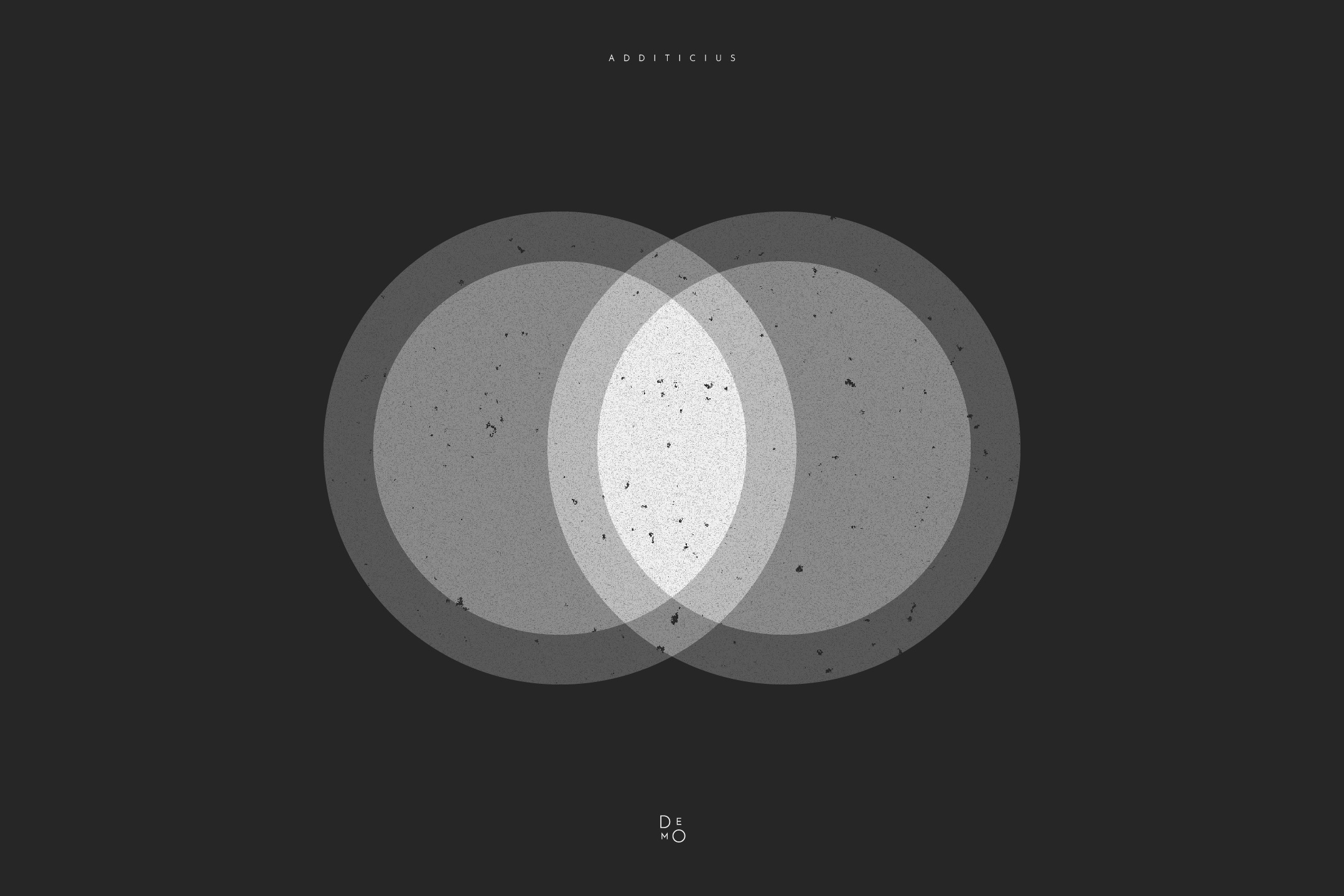

This group of modes functions like overlapping beams of light. Imagine shining two flashlights on a wall: where the beams intersect, the spot is always brighter. In the digital realm, these are called “additive” modes because the brightness values of the pixels are literally added together.
The golden rule for this group is: black is neutral. Any pure black pixel (0) on the top layer will have no effect on the image beneath it. This makes additive modes essential for overlaying assets shot against a black background, such as sparks, smoke, fire, or UI lens flares.
Screen
The most widely used mode in this group and the photographic counterpart to Multiply. Mathematically, it inverts both layers, multiplies them, and then inverts the result back. This produces a soft, natural lightening effect that never results in harsh transitions.
Effect: creating atmospheric haze, applying soft glints, or “lifting” details out of deep shadows.
Color Dodge
Operates much more aggressively. It lightens the base layer by decreasing contrast between colors. The result is saturated and incredibly bright, creating an “inner glow” effect.
Effect: mimicking neon, creating intense solar flares on metal or glass, or adding highlights to illustrations.
Linear Dodge (Add)
The most straightforward mode: it simply sums the brightness values of channels A and B. Because of this, the image reaches pure white (“blows out”) very quickly.
Effect: the most powerful light possible. Perfect for special effects—explosions, magical bursts, and laser beams—where extreme brightness is key.
Lighten
This mode doesn’t blend pixels; it chooses between them. The software compares the top and bottom layers channel by channel and retains only the higher (lighter) values in the final color.
Effect: replacing dark areas of a background with lighter details from a texture. It allows you to seamlessly place a light object into a dark environment without altering the overall contrast.